Let me guess. You’ve got six productivity apps downloaded, three of which you opened just once, and your phone storage is at 94% because of photos you’ll never delete.
Meanwhile, the tools that could actually save you an hour a day are right there – built into your phone, totally free, and completely ignored.
I’m not talking about some obscure app you’ve never heard of. I’m talking about tools you already have but aren’t using to their full potential.
Here are 5 of them.
1. Your Voice Recorder – Not Just for Meetings
Every phone has a voice recorder. Most people use it once, accidentally, and never open it again.
Here’s how it actually changes your day: stop typing notes when you’re commuting, walking, or cooking. Just talk. A 2-minute voice note captures more context than a bullet point ever will. Your tone, your urgency, your actual thought – all of it comes through.
I started using this for work – quick incident summaries while something was still fresh in my head instead of trying to reconstruct it an hour later. The difference in detail was embarrassing.
If you have an iPhone, Voice Memos syncs across devices. Android has a built-in recorder that works just as well. Use it.

2. Screen Time / Digital Wellbeing – The Uncomfortable One
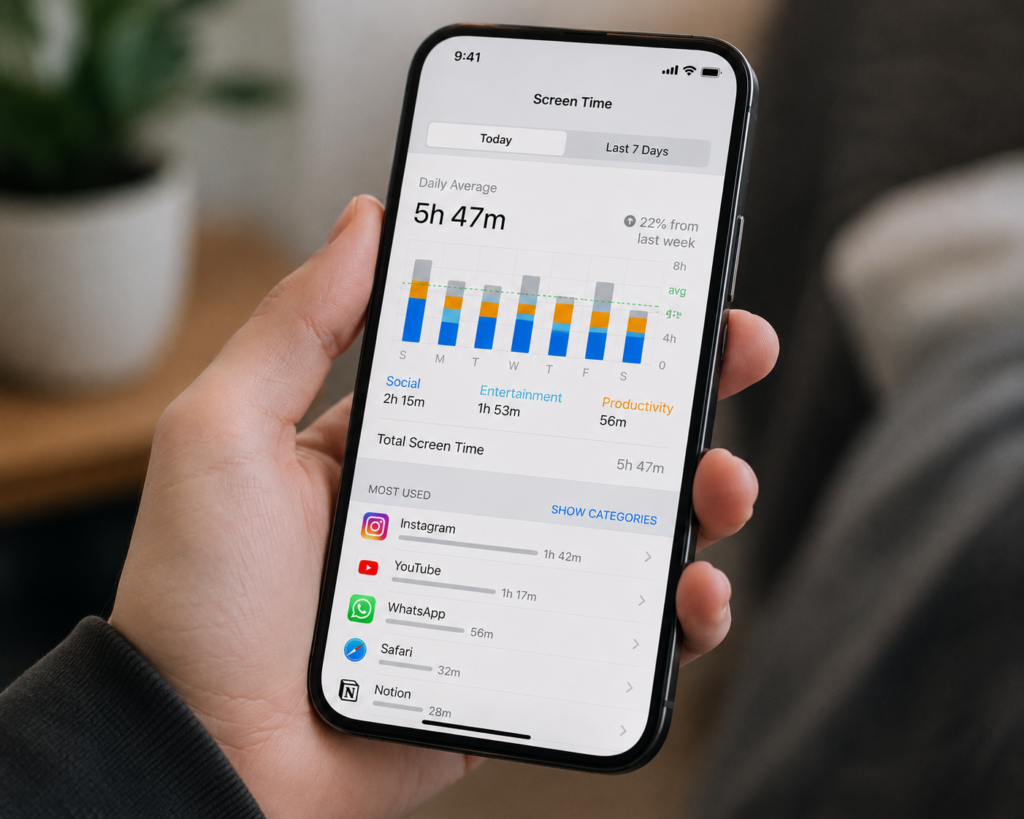
Both iPhone and Android have this built in. Screen Time on iOS, Digital Wellbeing on Android. And most people either don’t know it exists or turn it off because they don’t like what it tells them.
Here’s the thing – open it right now and look at your daily average. Really look at it.
Most people are at 4 to 6 hours a day. That’s not a small number. That’s 28 to 42 hours a week. That’s a part-time job’s worth of time – spent on your phone.
Use the app limits feature. Set a hard limit on Instagram, YouTube, or whatever your time sink is. 45 minutes. When it locks, it locks. You’ll be annoyed the first few days. Then you’ll start noticing you have time you didn’t think you had.
This isn’t about being a monk. It’s about being honest with yourself about where your hours are actually going.
3. Google Lens / iPhone Visual Look Up – Genuinely Underrated
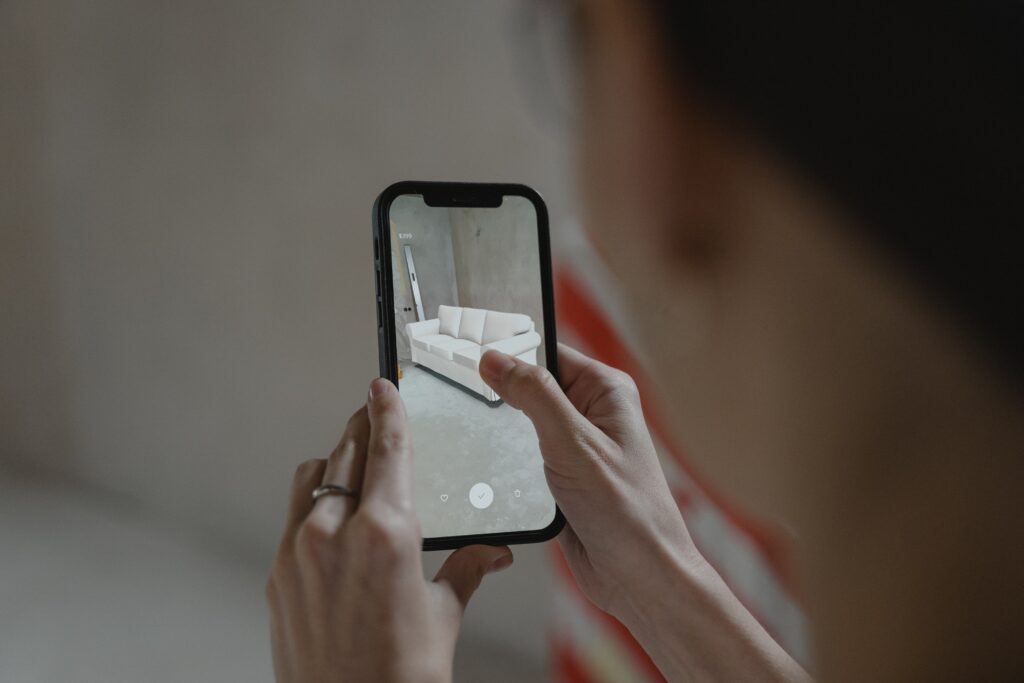
You point your camera at something and it tells you what it is, where to buy it, how much it costs, what plant it is, what landmark it is, what language that sign is in.
That’s not a future feature. That’s on your phone right now.
For shopping alone this is worth knowing. See something you like in a store, in a magazine, on someone’s desk – point Lens at it and you’ll find it online in seconds, usually cheaper. I’ve saved money multiple times just by checking Lens before buying something at retail price.
On iPhone, long-press any image in Safari or Photos and tap “Look Up.” On Android, it’s Google Lens – either in your camera app or Google Photos.
Use it once and you won’t forget it exists.
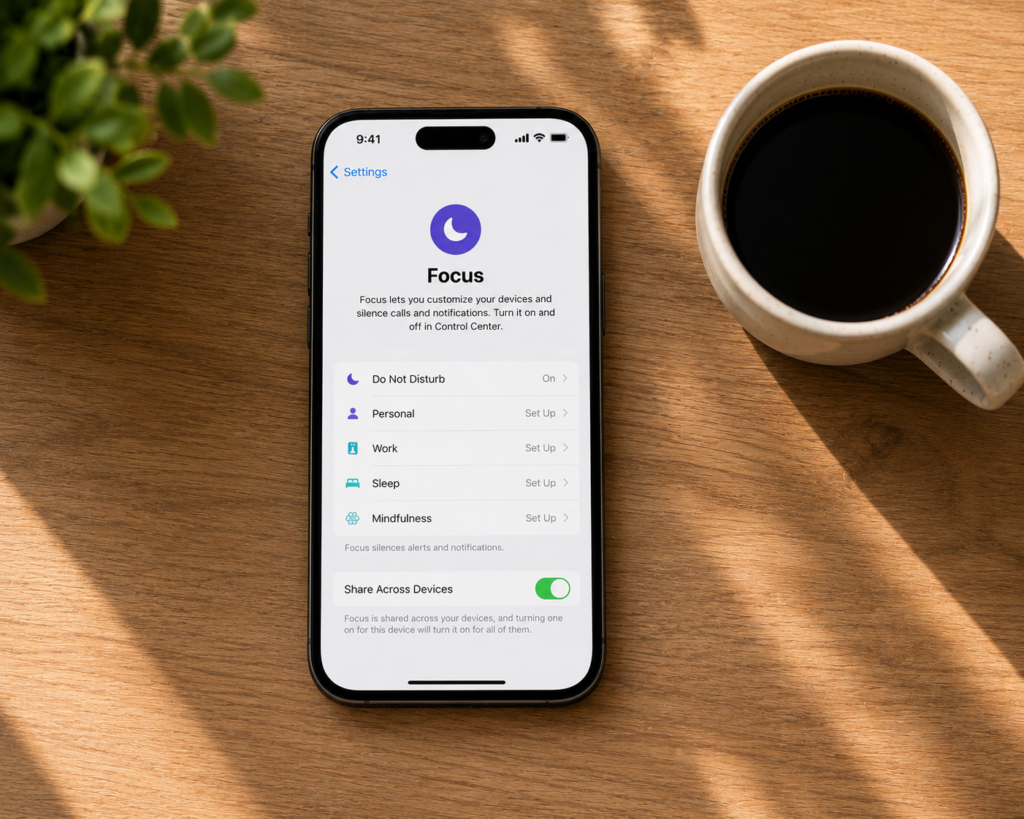
4. Focus Mode – The One People Set Up and Never Turn On
Both iPhone and Android let you build Focus Modes – essentially phone states where only certain apps and contacts can reach you.
Work Focus: only work apps and contacts visible. Everything else silenced. Sleep Focus: no notifications, screen dims, do not disturb on automatically. Personal Focus: mute work email and Slack, let personal contacts through.
The reason people don’t use this is setup friction. It takes about 10 minutes to configure properly. That’s it. Ten minutes once, and your phone stops interrupting you at the wrong moments for the rest of your life.
If you work from home or run any kind of side project – this is non-negotiable. Distractions don’t just cost you the minute they take. They cost you the 15 minutes it takes to get back into what you were doing.
5. Built-In Notes App – Stop Paying for Evernote
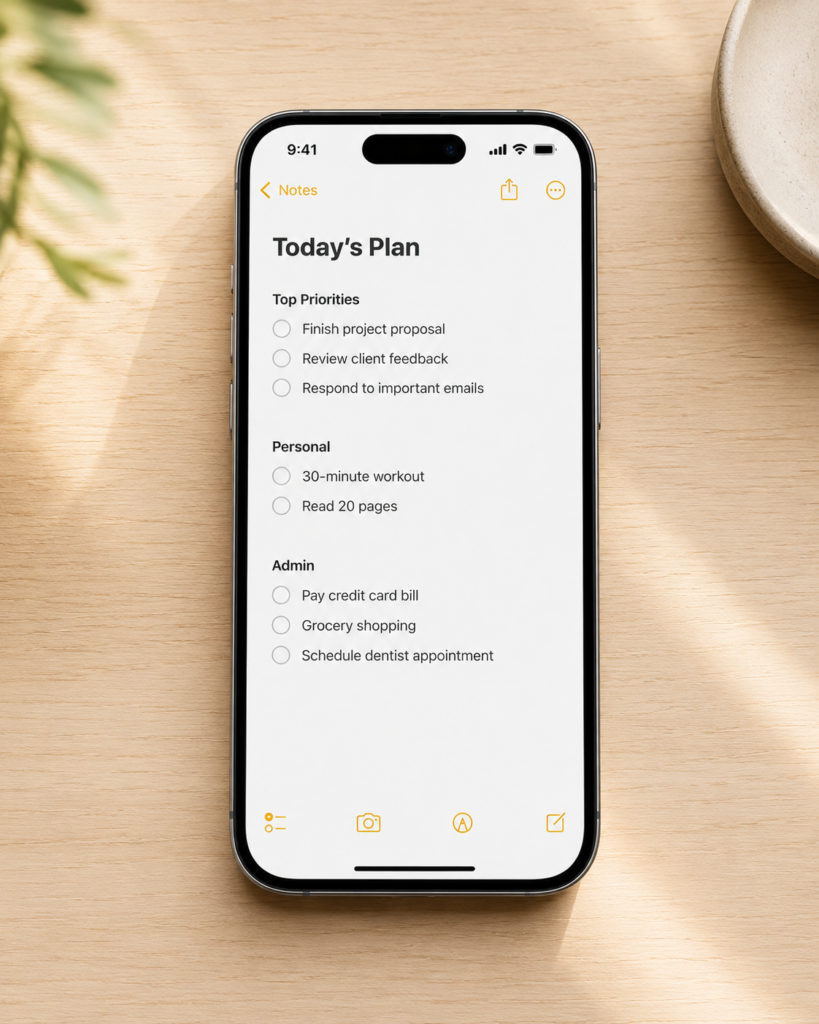
Apple Notes and Google Keep are genuinely good. Scannable documents, checklists, pinned notes, shared lists, search that actually works.
The number of people paying for Notion, Evernote, or some other note app when the free built-in version does 90% of the same things – it’s a lot.
I’m not saying those apps are bad. I’m saying most people using them are using maybe 10% of the features they’re paying for, and the free app on their phone would do the job just fine.
Use Apple Notes or Google Keep for one month seriously – grocery lists, work notes, ideas, article drafts, whatever – before deciding you need something more complicated.
Simpler systems get used. Complicated ones get abandoned.
Real Talk
You don’t have a tools problem. You have an awareness problem.
Everything on this list is free. Everything on this list is already on your phone. None of it requires a subscription, a setup tutorial, or 45 minutes watching a YouTube video.
The gap between people who feel in control of their day and people who feel constantly behind isn’t talent or intelligence. A lot of the time it’s just knowing which levers to pull – and actually pulling them.
Start with one. Just one. Pick whichever one annoyed you most to read about because that’s probably the one you need.
Know someone who’s always saying they don’t have time? Send this to them.