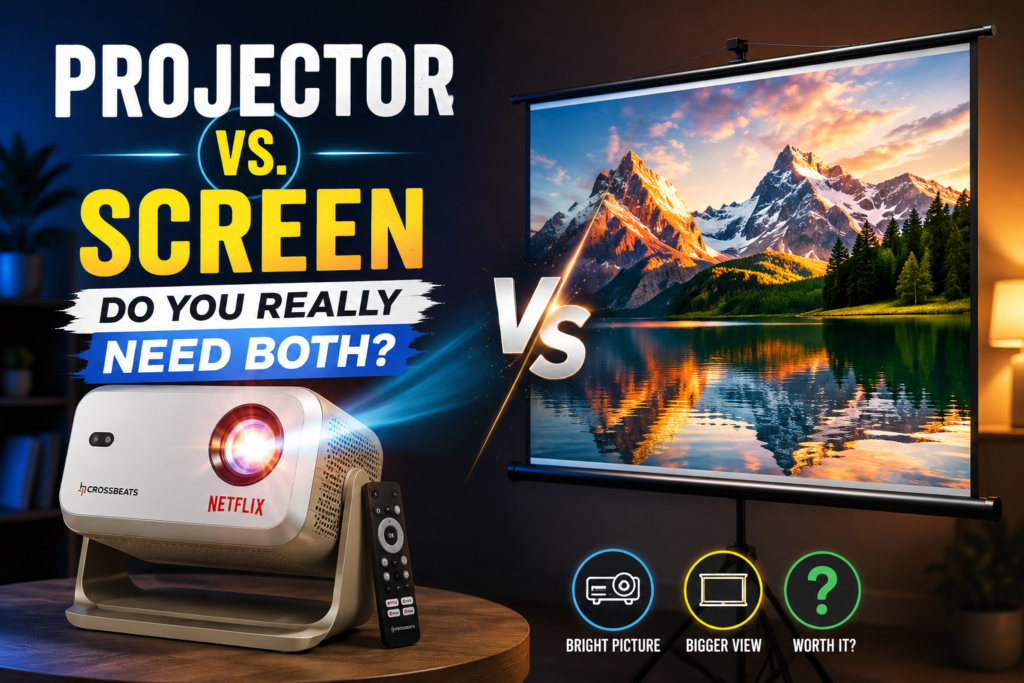
If you are setting up a home theater, it is easy to spend your entire budget on a high-end projector and assume a plain white wall will do the rest. I’ve seen this mistake often. Let’s break down the role of your projector and why pairing it with the right screen is the difference between a “fuzzy picture” and a “cinema experience.”
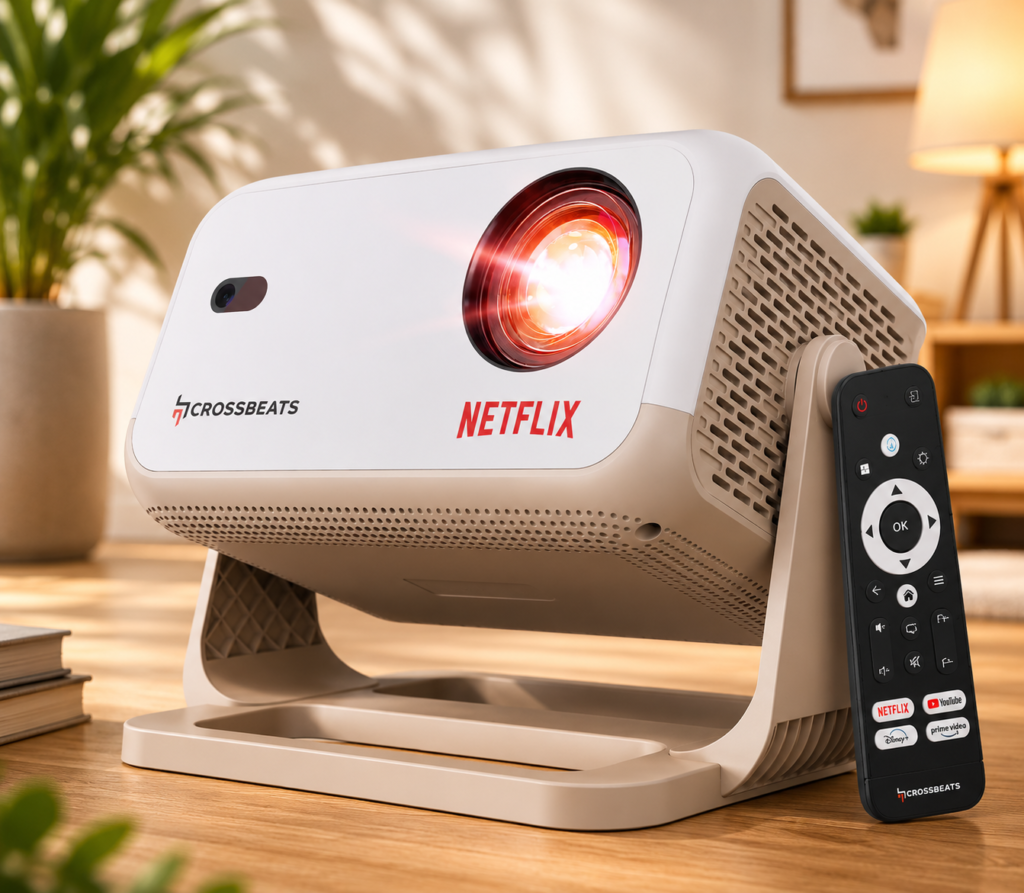
1. The Source: Crossbeats Lumex Flix 4K Projector
The Brains of the Operation
Think of the Crossbeats projector as the “engine” of your theater. It’s what processes your Netflix movies, YouTube channels, and gaming graphics.
- Smart Features: With Android 13 and Netflix licensing, you don’t need a separate stick or box. It handles the streaming heavy lifting internally.
- Brightness & Clarity: 16,000 lumens is a high-output specification, meaning it can fight off a bit of ambient light, which is perfect for living rooms or bedrooms.
- Ease of Use: Features like Auto-Focus and Auto-Keystone are absolute game-changers. You won’t spend 20 minutes “tweaking” the image; it adjusts itself to be square and sharp automatically.
- All-in-One: With a 10W speaker built-in, it’s designed for simplicity. You can take it anywhere, turn it on, and start watching.
2. The Canvas: Inlight 100-inch Map Type Screen
The Secret to Picture Quality
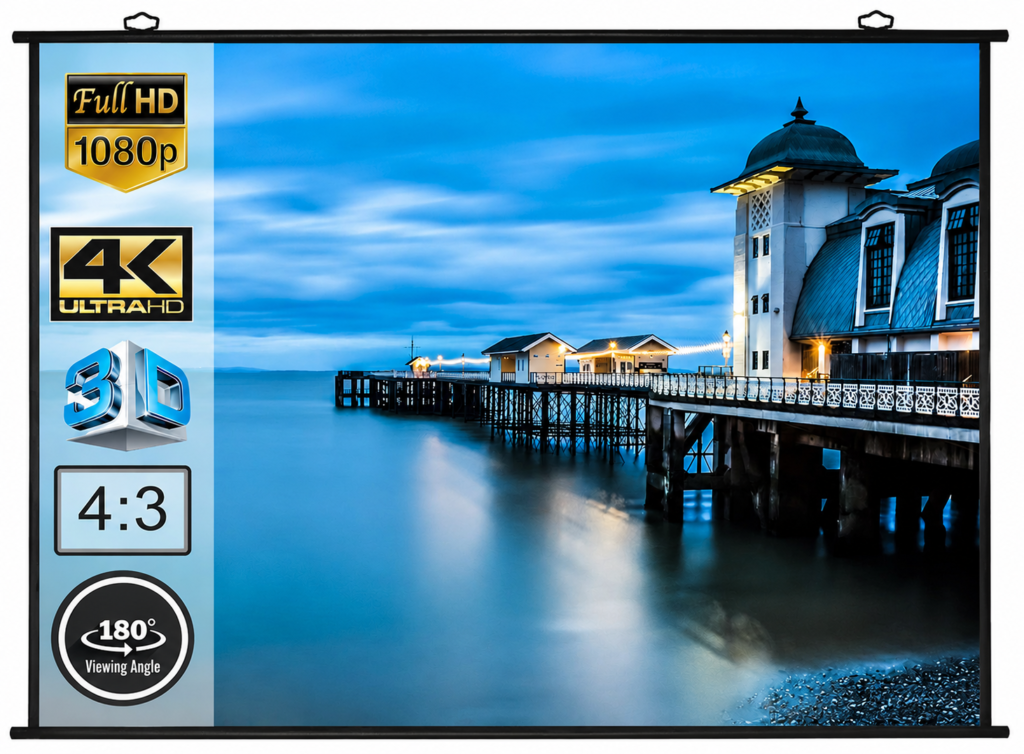
You might ask, “Why not just use my wall?” The answer lies in how light behaves. A wall absorbs light and shows every imperfection in the paint. A dedicated screen like this Inlight model is designed to reflect light back at you.
- Enhanced Contrast: A high-gain fabric surface makes your projector’s whites look brighter and your blacks look deeper. The picture will simply look more professional.
- Eye Protection: It comes with an Anti-UV coating to reduce eye strain, which is much better for long movie marathons than staring at a reflective, uneven painted wall.
- “Map Type” Convenience: This is a “calendar-style” screen. You don’t have to deal with complicated pull-down springs or motorized failures. It’s a clean, flat, no-nonsense setup that gives you a smooth 100-inch surface instantly.
- 4K-Ready: It is specifically built to handle the detail of 4K content, ensuring you aren’t “losing” the resolution of your projector to a textured wall.
See Current Availability on Amazon
The Verdict: Why They Are Better Together
You wouldn’t buy a sports car and put cheap, low-grip tires on it. The same logic applies here:
- The Projector provides the data, the color, and the streaming convenience.
- The Screen provides the surface that actually lets you see that quality.
My Advice: If you are buying the Crossbeats Lumex Flix, don’t settle for a wall. If you are already investing in a 4K projector, a 100-inch screen is a relatively small investment that will make your projector look 2x better. It’s the “final 10%” of the setup that makes your home theater feel like a real cinema.
Disclosure: As an Amazon Associate, I earn from qualifying purchases. I only recommend products I have researched or personally tested to ensure they provide real value to my readers.